
Surpass
Simple, secure and easy to use password manager.
A multi-platform graphical password manager with focus on simplicity. The source code is free (as in "liberty") and is designed to be concise and simple.
- AES-128
- HMAC-SHA-512
- Open source
- Self-contained
Everything it does, and nothing more
Password-based encryption with HMAC-SHA-512 and AES-128 via the Java Cryptography Architecture.
-
Store any secret
Passwords, pass phrases, PIN codes - anything you need to keep encrypted.
-
Google Drive
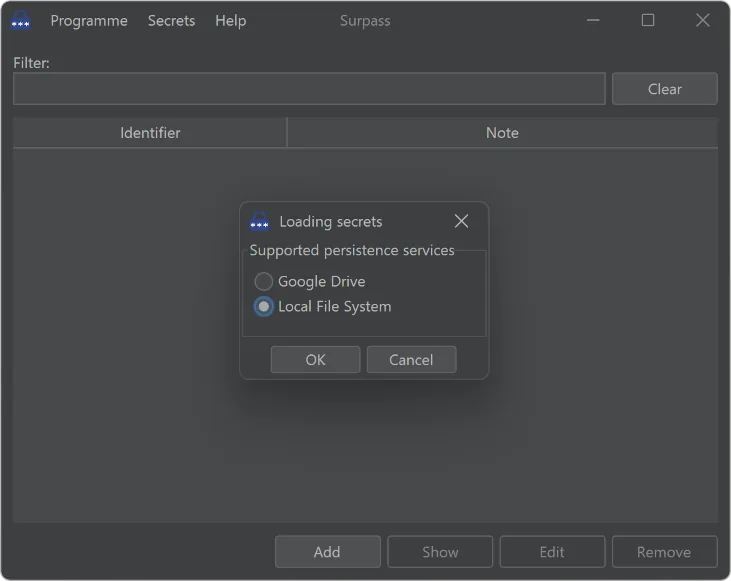
Keep your encrypted vault on the local file system, in Google Drive, or both.
-
Small footprint
Around 50MB, fits on any memory device. No installation and no third party libraries - completely self-contained.
-
System tray
Stays out of the way in the tray until you need it.
-
Safer clipboard
A copied secret is cleared from the clipboard automatically after 45 seconds.
-
Secret generator
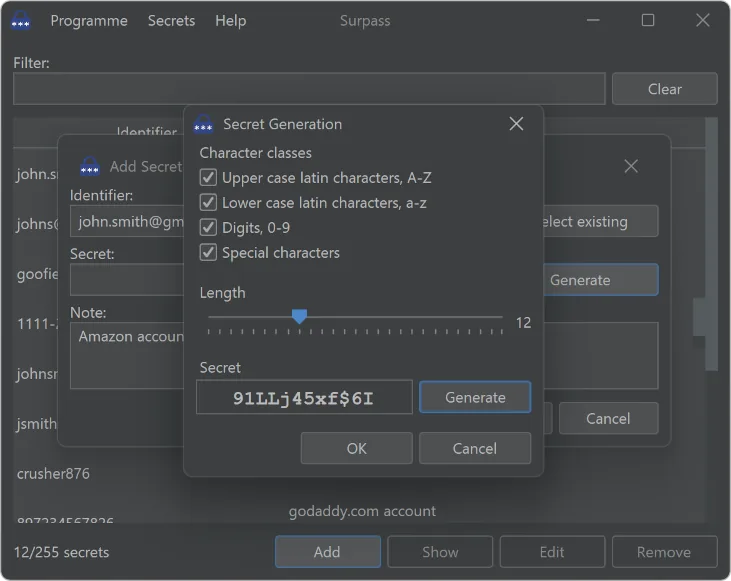
Generate strong random secrets with the parameters you choose.
Screenshots
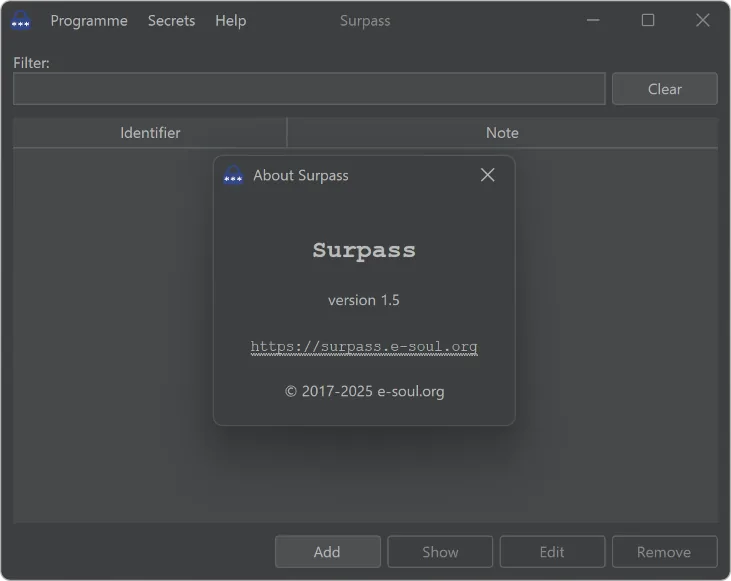
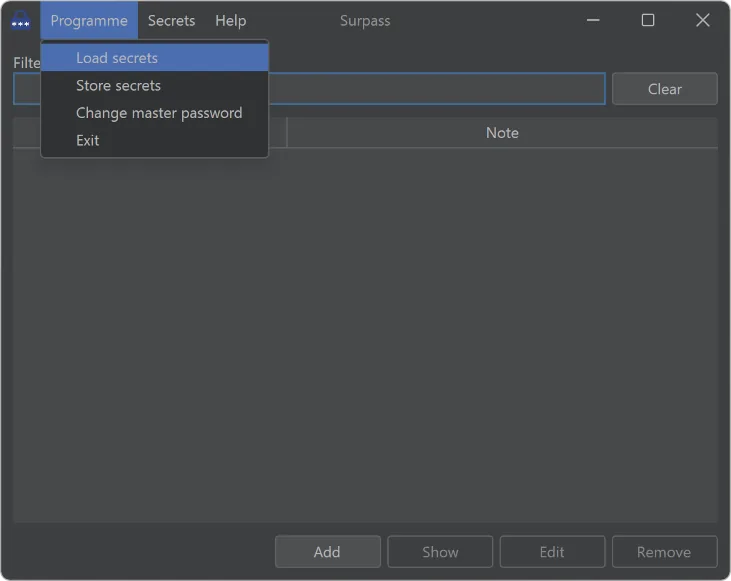
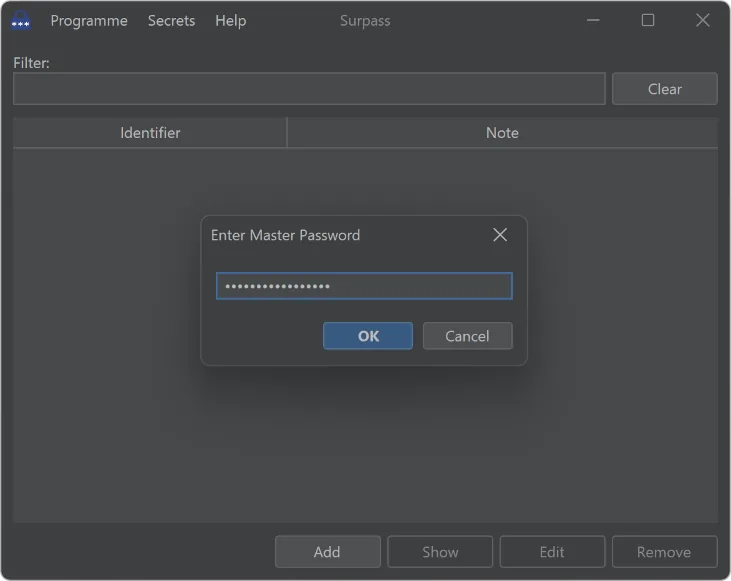
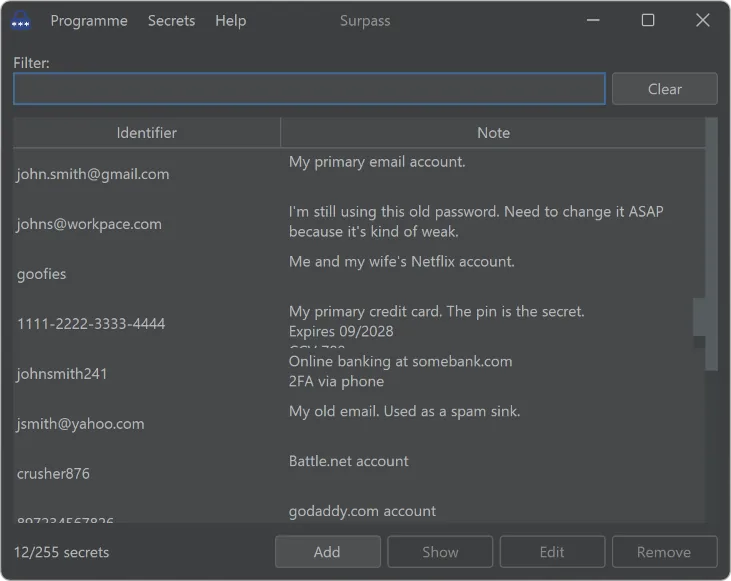
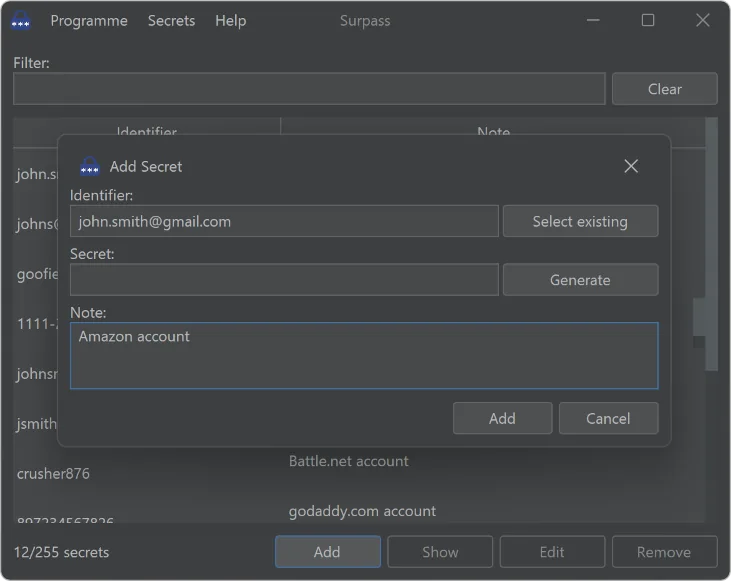
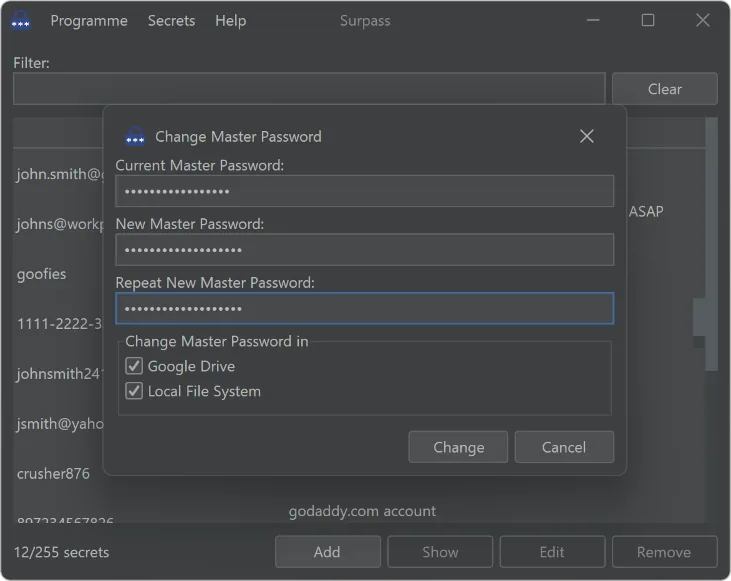
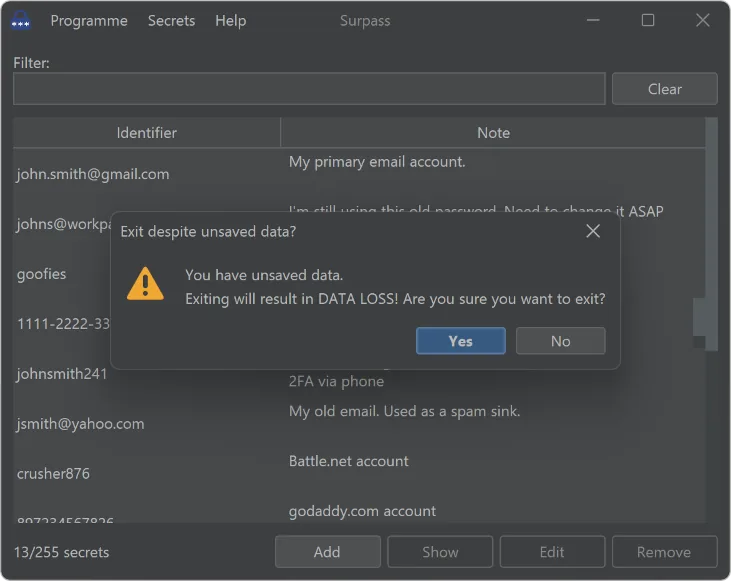
A very simple and clean interface, in a dark or light theme.
Changelog
-
1.6 In progress
Nothing announced yet.
-
1.5 Latest
- Add a simple indicator to show when there is unsaved data.
- Internal improvements.
- Build with Java 24.
-
1.4
- Fix a bug that leaves the command buttons enabled after a selected row has been filtered out.
- Build with Java 23.
-
1.3
- Allow selecting an existing identifier when adding a new secret.
- Display the maximum number of secrets that can be added.
- Build with Java 21.
-
1.2
- Integrate modern dark (default) and light themes based on FlatLaf.
- Add option to change the master password.
-
1.1
- Support Google Drive as a backend for storing secrets.
- Make window resizing work better.
- Add a progress bar when storing/loading secrets.
- Build with Java 19.
-
1.0
- Add "About" dialog.
- Add "Clear" button for the "Filter" field.
- The clipboard is auto-cleared only if the secret is still there.
-
0.9
- Add support to generate random secrets.
- Build with Java 17.
-
0.8
- Custom native Windows launcher (.exe).
- Fix view-model translation.
-
0.7
- Add secret count.
- Add tray icon.